A finer clock for the menu bar.
BarClock takes the place of the Mac’s own clock with world clocks, a calendar and a time wheel. Small, and looked after down to the last detail.
One-time purchase · macOS 14 or later
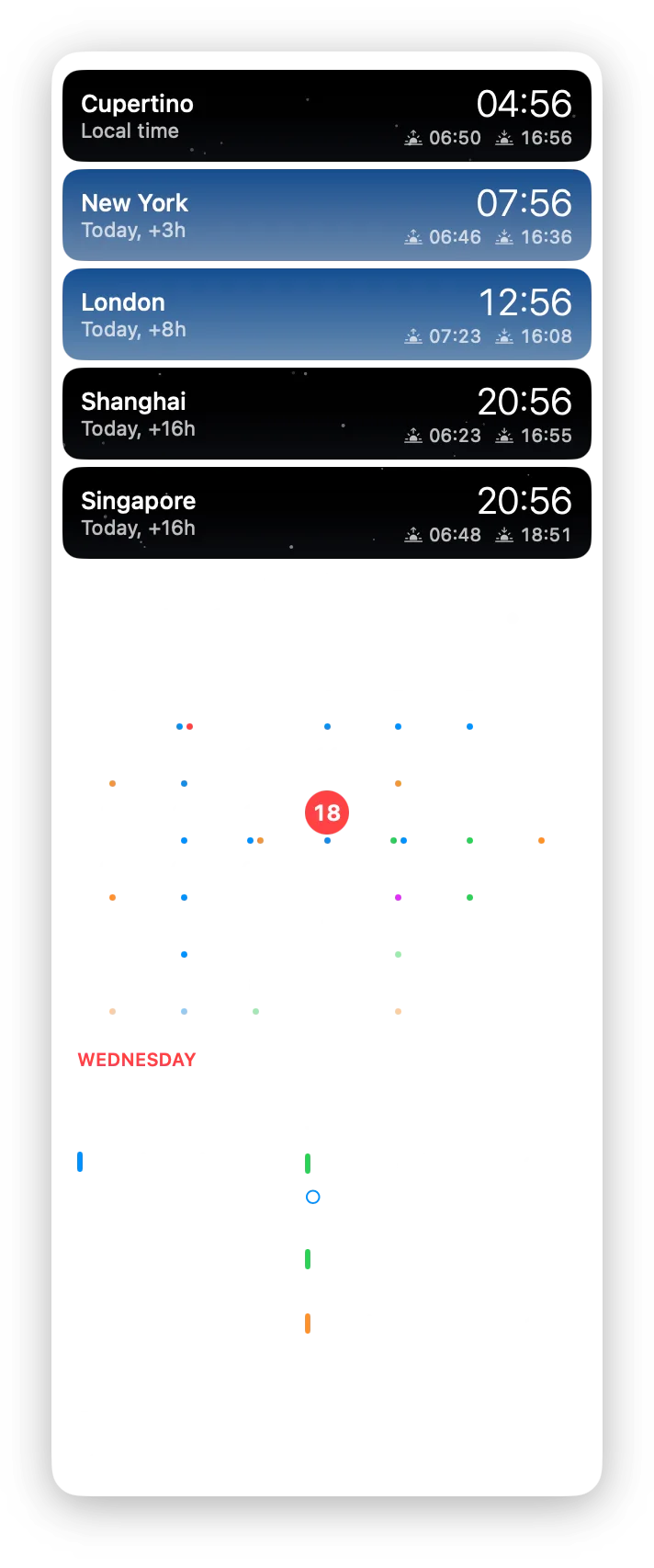
The dropdown
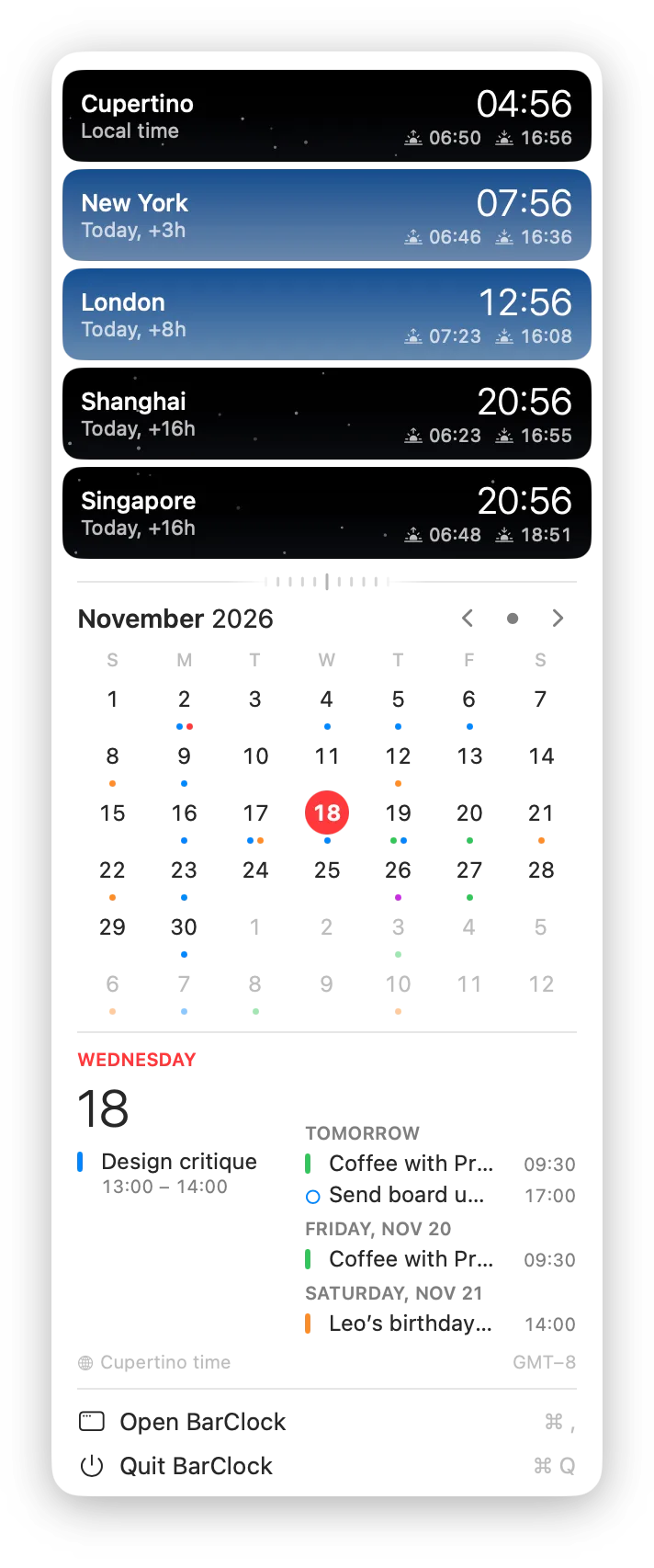
One click, and the day opens.
Every place under its own sky, the month, and what comes next.
-
A sky for every place
Each card sits on the sky of that place right now: stars at night, a clear blue by day, with sunrise and sunset beside the time.
-
The month at a glance
Coloured dots mark the days with something on. Swipe sideways with two fingers to turn the month.
-
What comes next
Today on the left, the next days on the right. Enough to know your afternoon without opening anything.
-
Which time you are reading
A quiet note at the bottom names the time zone the calendar follows, so a trip never leaves you guessing.
Time wheel
Turn the wheel. Every clock goes with it.
Find the hour that suits Shanghai and New York at once. Drag the wheel or scroll across it. Let go and it coasts; reset, and it turns back home.
Try it: drag the wheel, or use the arrow keys.
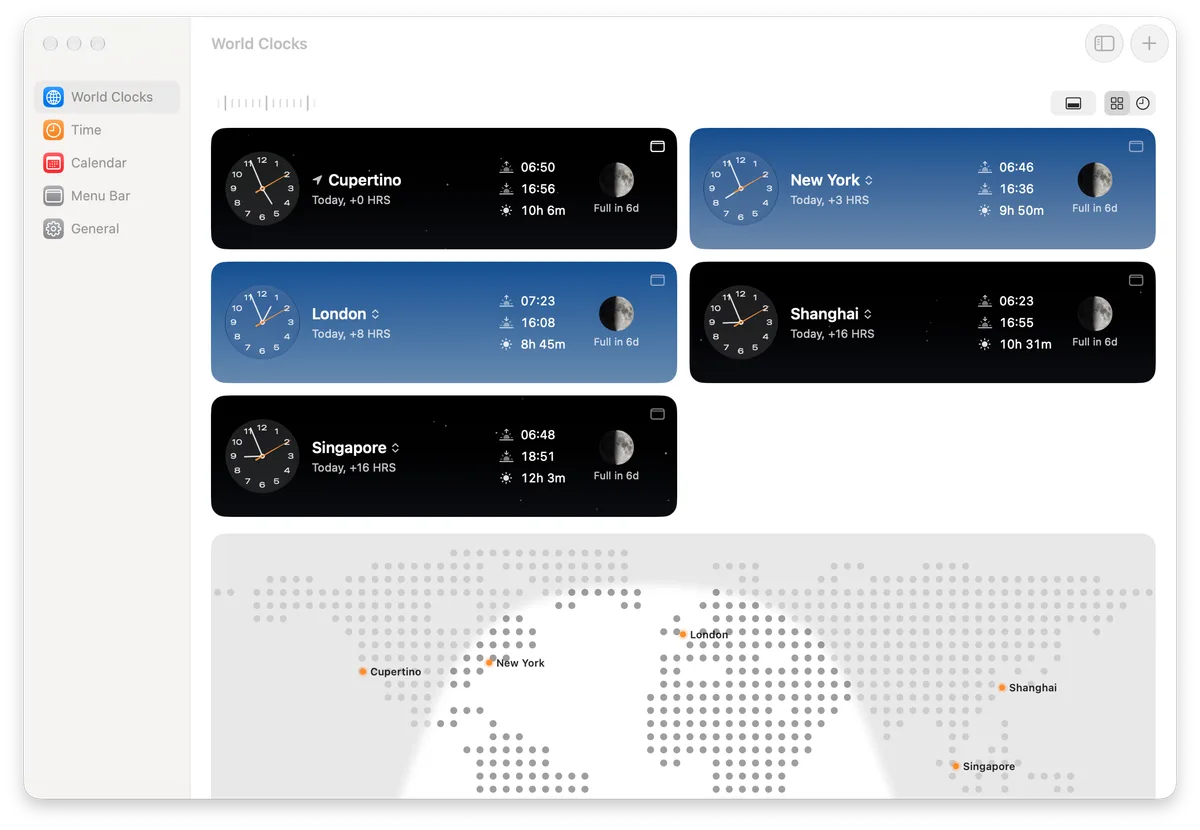
World Clocks
Glass that notices the pointer.
Each dial is a piece of glass. It bends what lies behind it, and when the pointer comes near, the rim on that side gathers a soft light.
Pick the dial up and carry it across: the glass bends whatever is behind it. Drag the scale to turn Shanghai’s day.

Time
Set it the way you like a clock.
Three dials, eight colours, two kinds of hands, six sets of numerals, three movements. Choose a few and see.
Six icons for the Dock.
Daylight comes as standard. Ember, Porcelain, Midnight, Pine and Horizon are there when the mood changes, and the app follows Light, Dark or Auto.
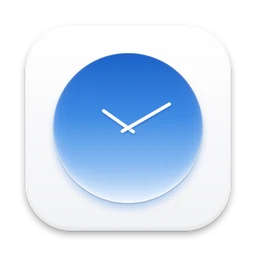 Daylight
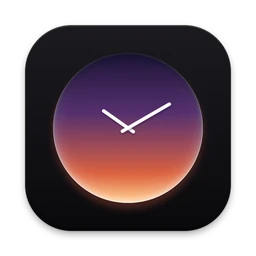 Ember
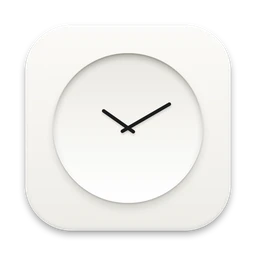 Porcelain
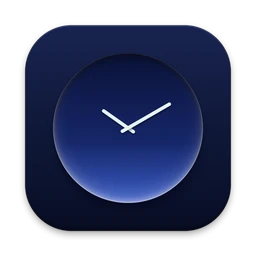 Midnight
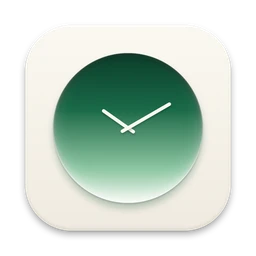 Pine
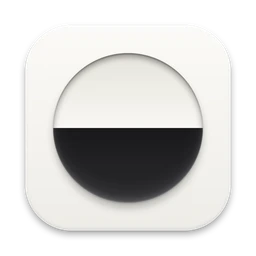 Horizon
Calendar
Your month, kept on your Mac.
A whole window for the month, with events in their squares and the agenda below. Choose a time zone in the header to read the month from somewhere else.

Read on your Mac. Sent nowhere.
BarClock asks macOS for your calendars and reminders, draws them, and that is the end of it. They never leave your Mac. If you would rather not share them, the clocks work just the same.
Languages
Eleven languages. One of them reads right to left.
Choose the language in General. In Arabic the whole app turns round: sidebar, cards and all.
Details
The parts you only notice later.
None of these is a reason to buy a clock. Together they are why this one feels right.
-
Tonight’s moon
A picture of the moon as it is now, with a short note: Full in 7d.
-
06:4910h 7m16:56
Sunrise to sunset
When the sun comes up, when it goes down, and how long the day is, for every place you keep.
-
Two fingers turn the month
Swipe sideways on the calendar, the way you would turn a page.
-
Hands or digits
Click any dial and it changes to digits. Click again and the hands are back.
-
Three movements
Quartz steps once a second. Mechanical makes 28,800 beats an hour. Sweep glides without a break. All three are right; one is yours.
-
It finds its way home
The wheel has weight. Flick it and it coasts to a stop; reset it and it winds back to now.
- Swipe to travel. Sliding across the clock cards, or turning the map, moves time as the wheel does.
- One card per row, two when there is room. The World Clocks page rearranges itself as the window grows.
- Map above or below. Put the world map where you look first.
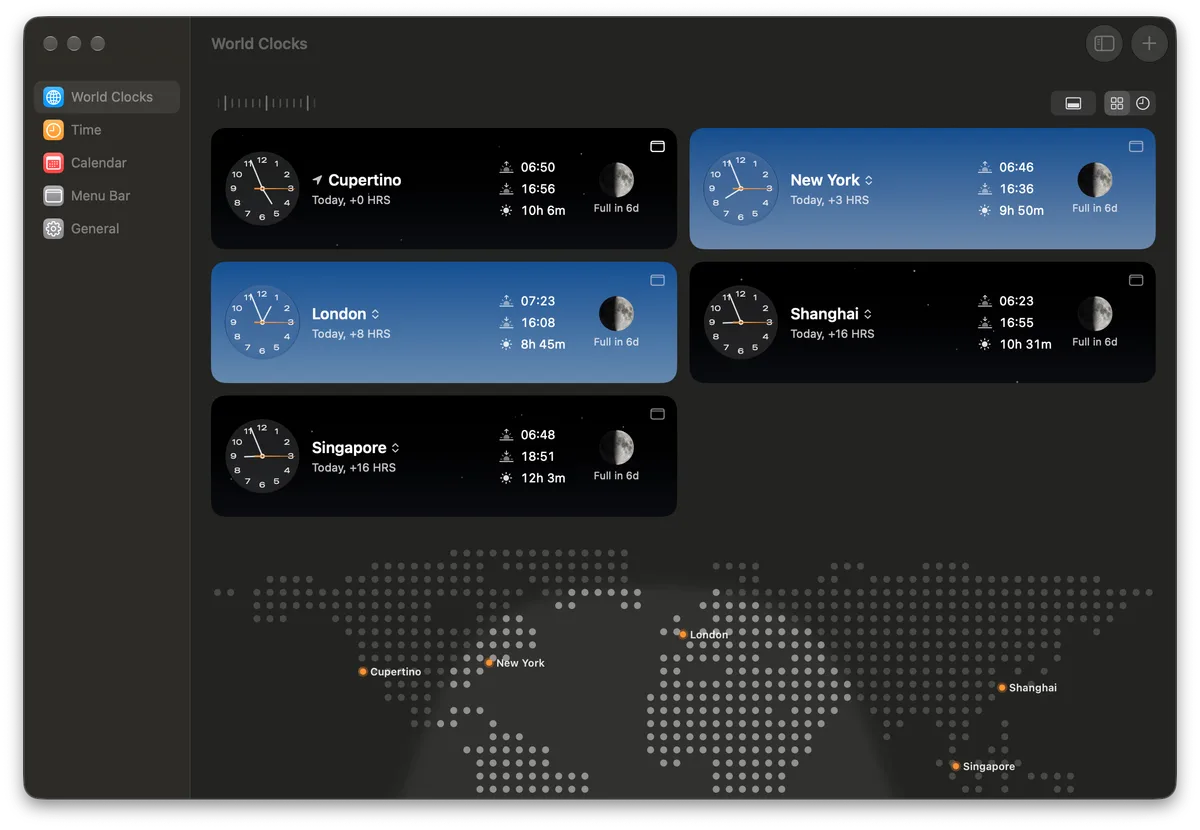
- Light, Dark or Auto. Chosen in General, with small pictures of each.
- 24-hour time. Or AM and PM, with or without seconds.
- A three-step welcome. Menu bar, places, dial. Then it gets out of the way.
Buy it once. Keep it.
$9one-time purchase
- One purchase covers three Macs
- Every future update and new feature included
- No subscription, no account
For macOS 14 and later. The glass effects need macOS 26.
Questions
Good to know before you buy.
What does BarClock replace?
The clock at the right end of the menu bar. BarClock puts your own clocks, the date and the weekday there, and opens a dropdown with world clocks, a month calendar and upcoming events.
What happens to the Mac’s own clock?
macOS does not let any app remove it, so BarClock does the next best thing: it walks you through switching the system clock to its small analog dial in System Settings. The dial stays in the corner as a quiet ornament and BarClock tells the time. You can change it back whenever you like.
Is it really a one-time purchase?
Yes. You pay $9 once. There is no subscription and nothing to renew.
How many Macs can I use it on?
One purchase covers three Macs that you use yourself.
Will I have to pay for updates?
No. Every future update and every new feature is included in the price you paid.
Which versions of macOS does it run on?
macOS 14 and later. On macOS 26 the dials and controls are drawn with the system’s glass; on earlier versions they have a simpler finish, and everything else is the same.
Does BarClock see my calendar?
Only on your Mac, and only if you allow it. Calendars and reminders are read through macOS to draw the month and your upcoming events. They are never sent anywhere. If you decline, the clocks work without them.
Which languages does it speak?
Eleven: English, French, German, Spanish, Italian, Japanese, Simplified Chinese, Traditional Chinese, Russian, Turkish and Arabic, which is laid out right to left. Choose one in General, or let it follow your Mac.
Can I get a refund?
Yes. If BarClock is not for you, write within 14 days of buying and you will get your money back.
How do I move my licence to a new Mac?
Remove the licence on the old Mac in General, then enter your licence key on the new one. If the old Mac is gone, write to support and the seat will be freed for you.